 Retro
Retro 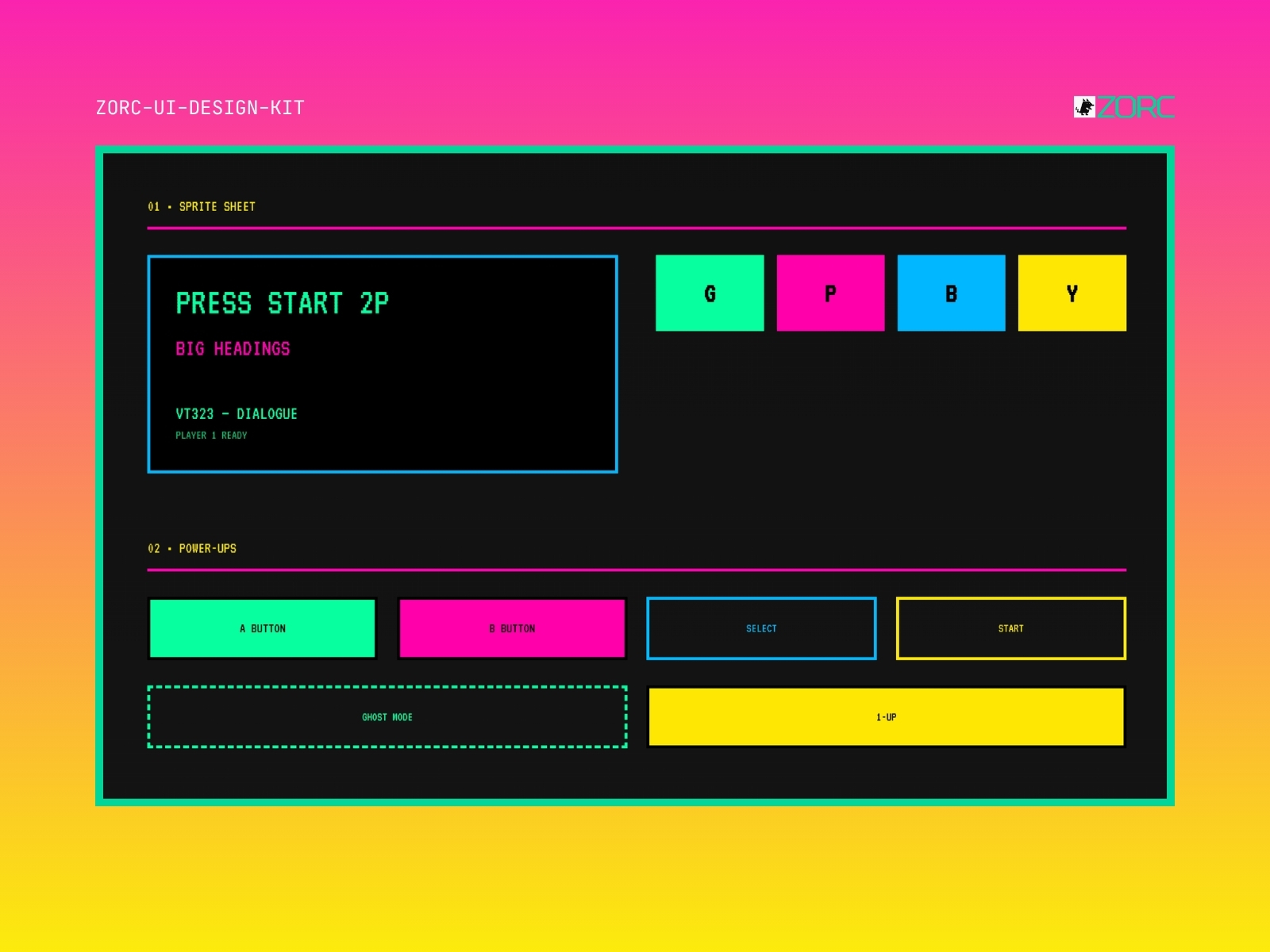
Pixelforge 16-bit Legacy
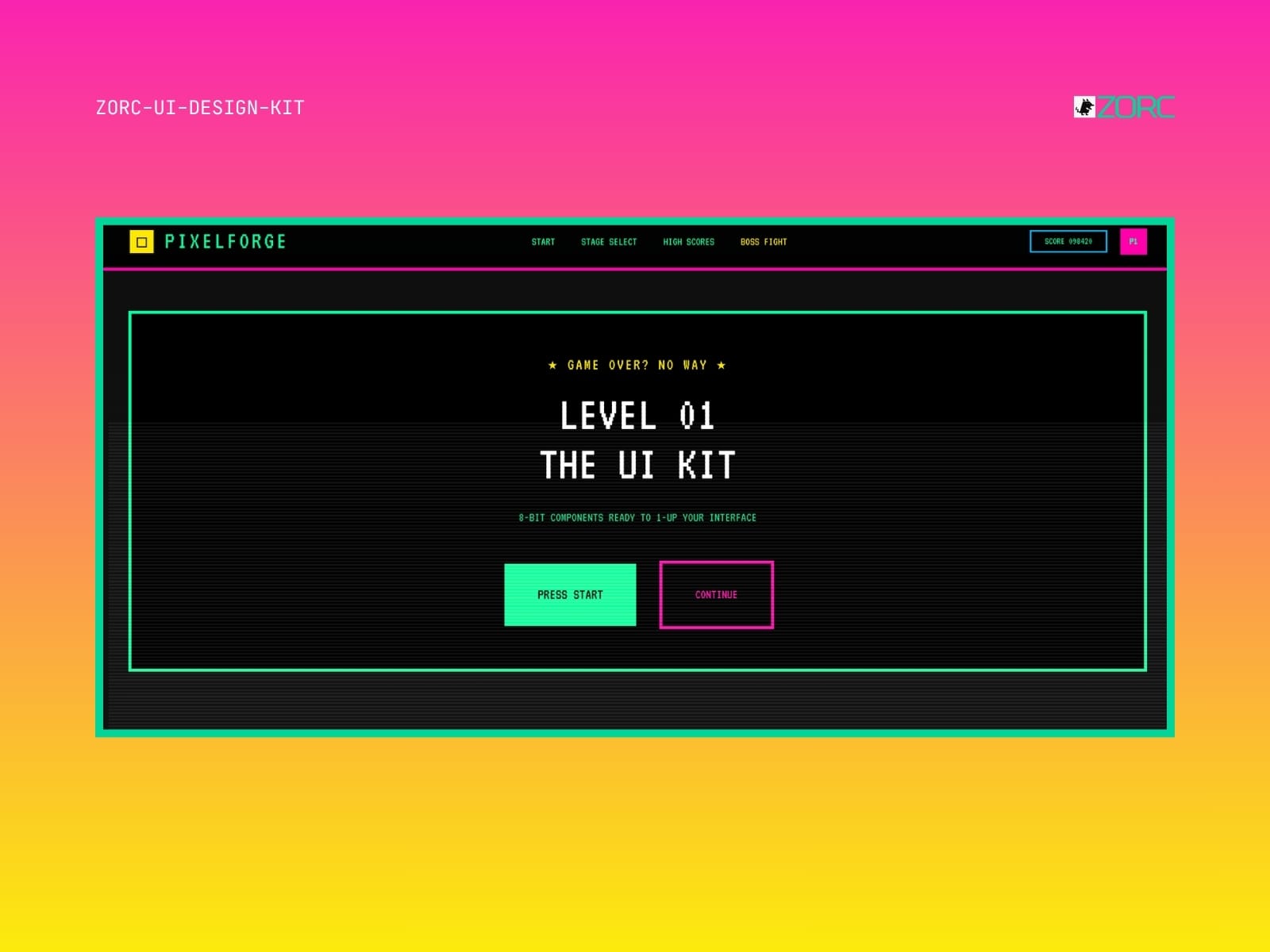
Retro 16-bit arcade aesthetic. Press Start 2P, VT323, CRT effects and pure pixel colors.
One-time payment • VAT included • Source code included
- Components
- 7
- Tech stack
- HTML, CSS, JavaScript, React, Vue
- Licence
- Commercial
- Delivery
- Instant access (zip + Git)
- Updated
Creator
About this kit
Pixelforge is a retro arcade design system that takes you back to the pixel art of the 90s. CRT screen with rounded corners, scan-lines, blocky typography and clean colors inspired by classic consoles.
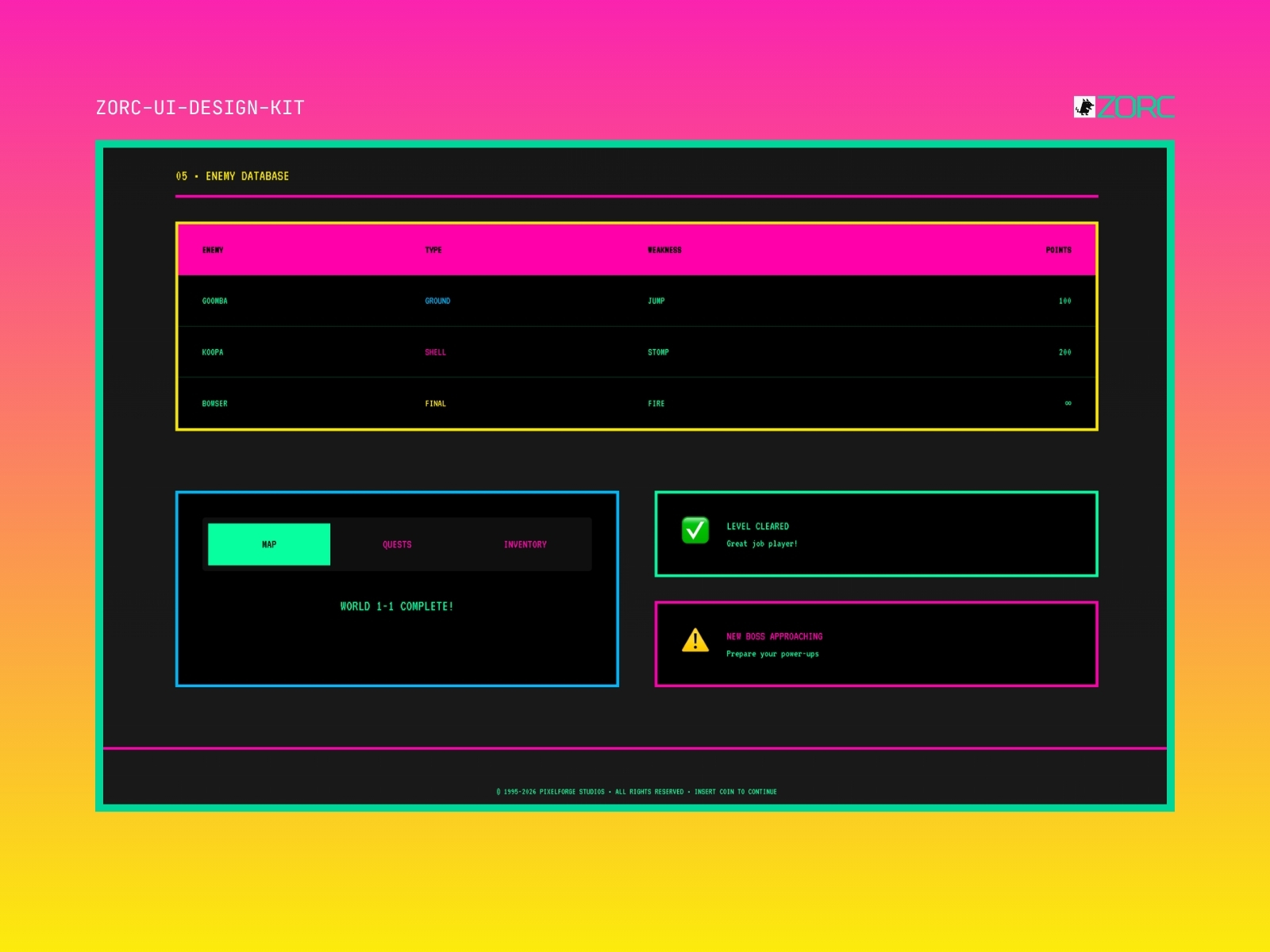
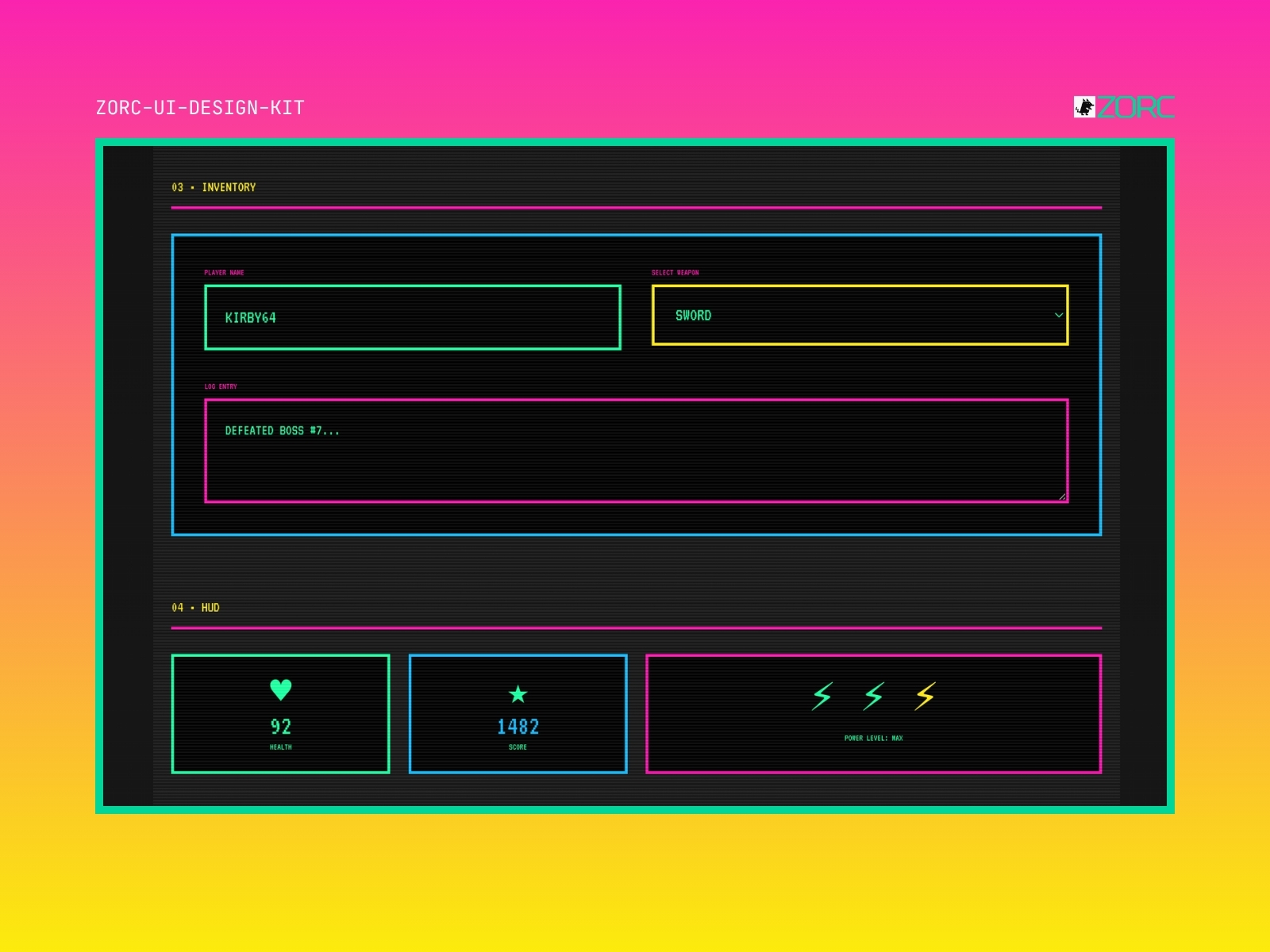
Perfect for gaming products, nostalgia projects, retro portfolios and anything that wants to feel like an SNES game. Complete with pixel buttons, life bars, dialog boxes and achievement badges.
Components included
Features
- responsiv design
- anpassningsbara komponenter
- typografi i retrostil
- ikoner i 16-bitars stil
- simple color schemes
- animationer
When does this kit fit?
Tech stack
How to use this kit
- Step 01
Download
Sign in to ZORC and fetch the zip from your purchases. All source code and documentation is included.
- Step 02
Copy into your project
Drop the components/ folder into your project — or install via package.json if the kit is packaged for npm.
- Step 03
Wire up design tokens
The tokens/ folder holds colours, typography and spacing for your Tailwind config or CSS variables.
- Step 04
Start building
Import the components and use them straight away. Each one ships with examples, props and variants in the docs.
Example AI prompt
Build the beginning of a retro style dashboard that displays user data and colorful graphs in 16-bit style.