// Enterprise UI kit
Cobalt
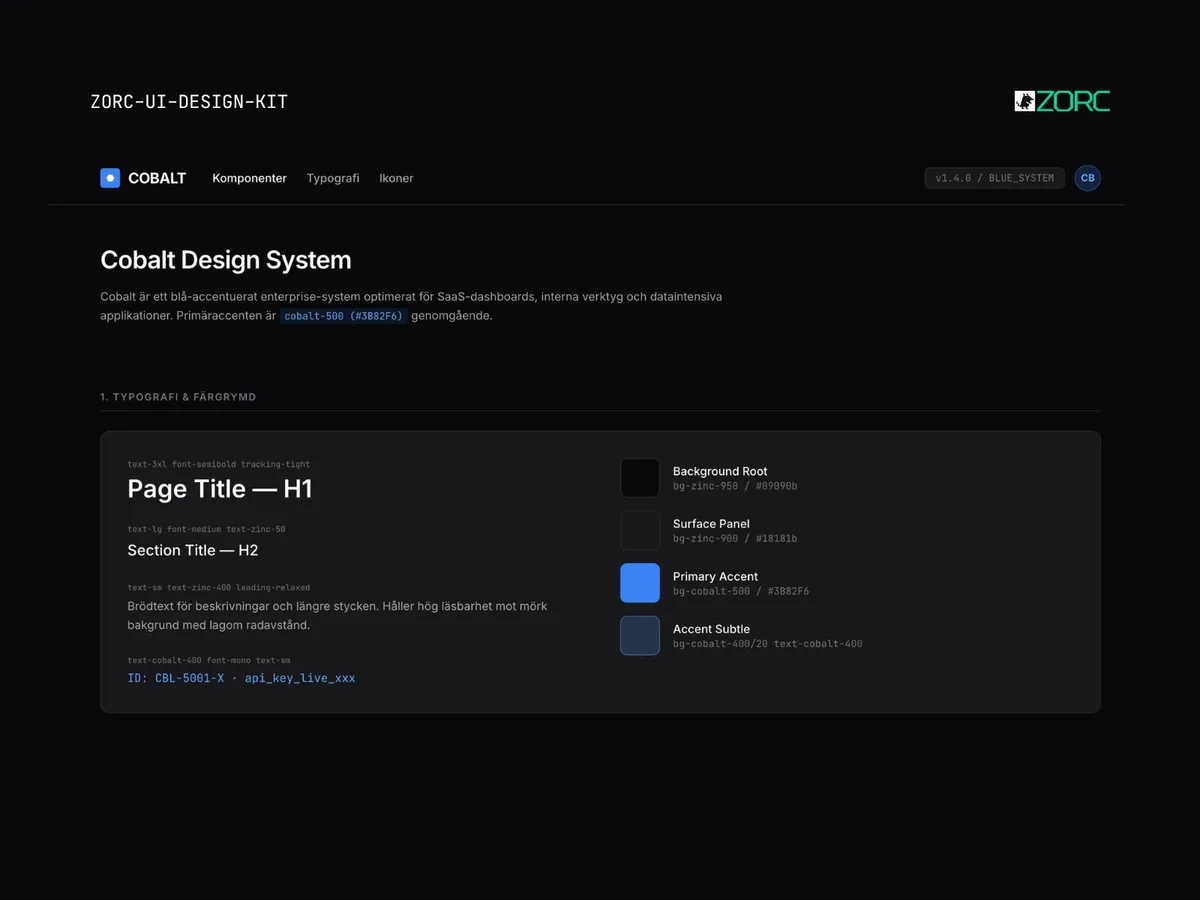
Cobalt-style design system for AI-driven development
25 kr
One-time payment • VAT included • Source code included
- Components
- 10
- Tech stack
- React, Tailwind CSS, TypeScript, Lucide Icons, Framer Motion, Radix UI
- Licence
- Commercial
- Delivery
- Instant access (zip + Git)
- Updated
z
Creator
About this kit
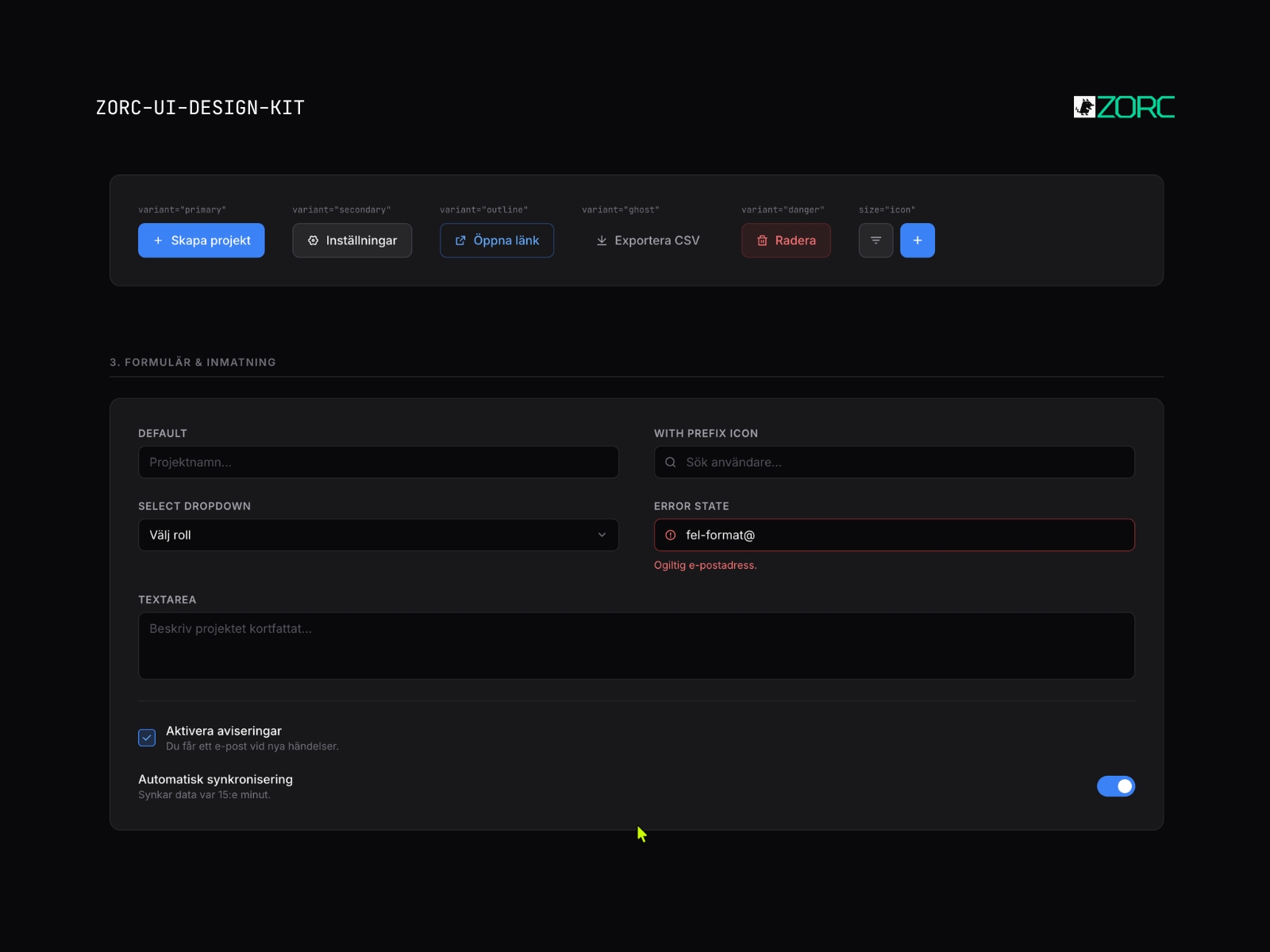
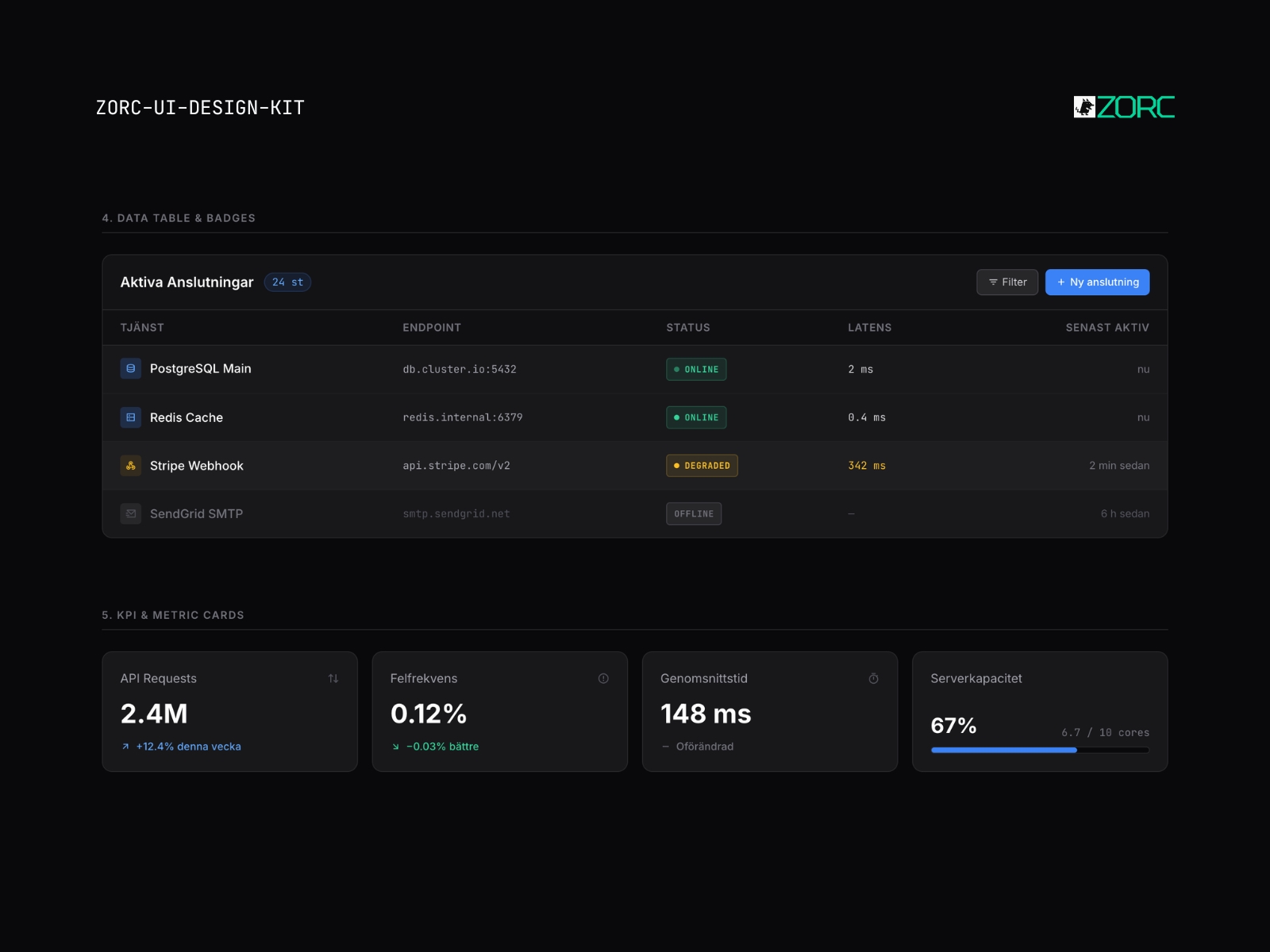
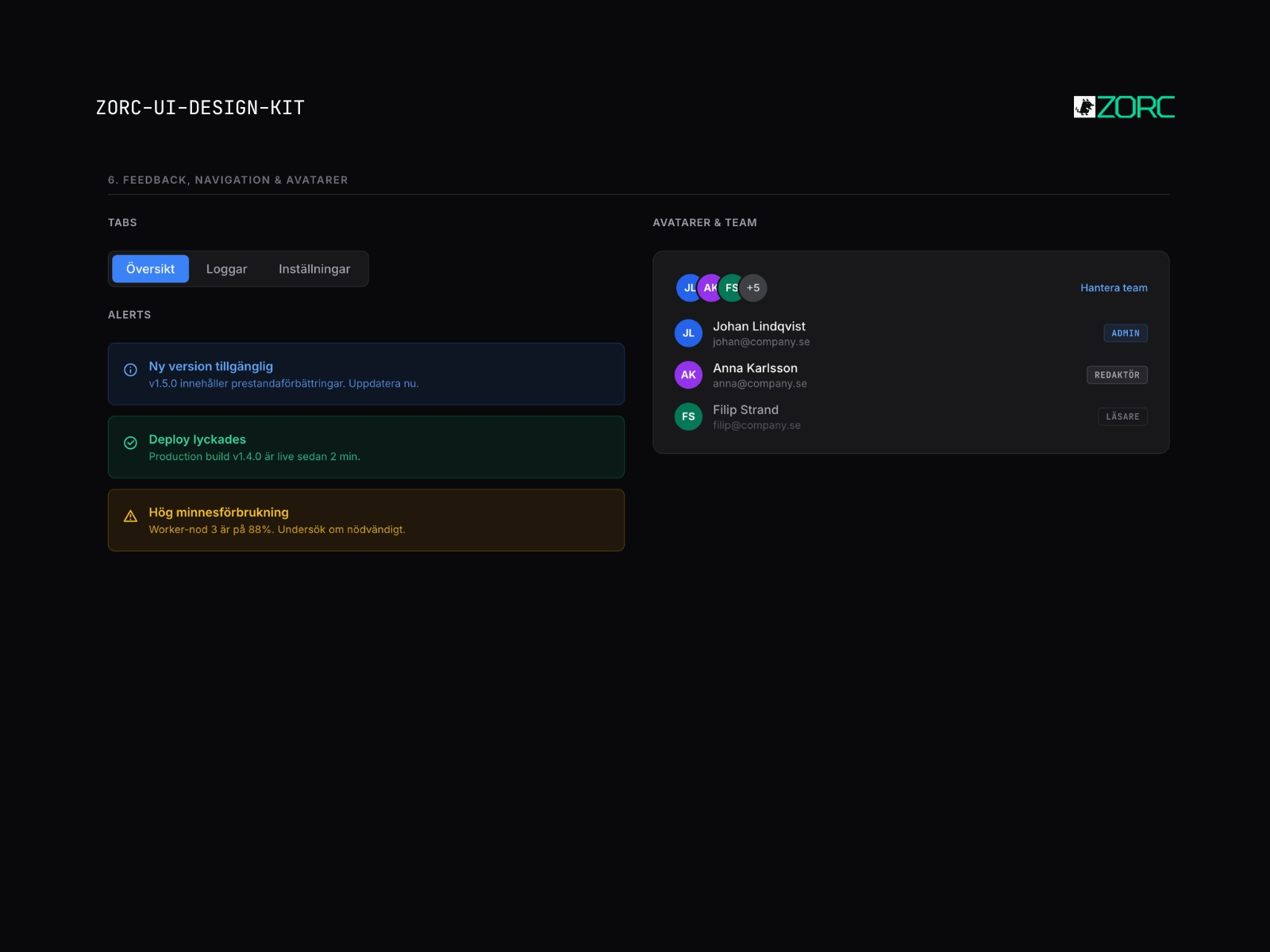
A modern UI Kit with Cobalt aesthetics. Contains ready-made components for rapid prototyping and production.
Components included
Navigationsmenyer Datatabeller Analysgrafer Form fields Modal windows Status-badges Kortlayouter Knapp-set Sidopaneler Meddelande-toasts
Features
- Fullt responsiv design
- Dark and light mode preselected
- Optimized for AI prompts
- WCAG 2.1 AA accessibility
- Modular component structure
- Omfattande dokumentation
When does this kit fit?
saas dashboard admin internal-tool erp
Tech stack
React Tailwind CSS TypeScript Lucide Icons Framer Motion Radix UI
How to use this kit
- Step 01
Download
Sign in to ZORC and fetch the zip from your purchases. All source code and documentation is included.
- Step 02
Copy into your project
Drop the components/ folder into your project — or install via package.json if the kit is packaged for npm.
- Step 03
Wire up design tokens
The tokens/ folder holds colours, typography and spacing for your Tailwind config or CSS variables.
- Step 04
Start building
Import the components and use them straight away. Each one ships with examples, props and variants in the docs.
Example AI prompt
Build a modern dashboard for an AI analytics service with the Cobalt UI Kit. Include a side navigation, a main graph for real-time data and a table showing recent events. Use Tailwind classes and ensure that the dark blue aesthetic permeates the entire layout for a professional feel.
Common questions
What does Cobalt include?
Cobalt includes 10 components, including Navigationsmenyer, Datatabeller, Analysgrafer, Form fields and more.
What tech stack is Cobalt built on?
Cobalt is built with React, Tailwind CSS, TypeScript, Lucide Icons, Framer Motion, Radix UI.
Are the components accessible?
Yes. They follow WCAG 2.1 AA where the content allows — focus rings, keyboard support, ARIA and contrast.
What licence do I get?
Commercial. You may use the components across your organisation's paid projects. What you cannot do is resell the kit itself.
How do I get started?
Copy in the components/ folder, add the design tokens and start building. A full guide ships with the kit.
Do I get updates?
Yes. All future versions are included at no extra cost for as long as the kit remains in the catalogue.