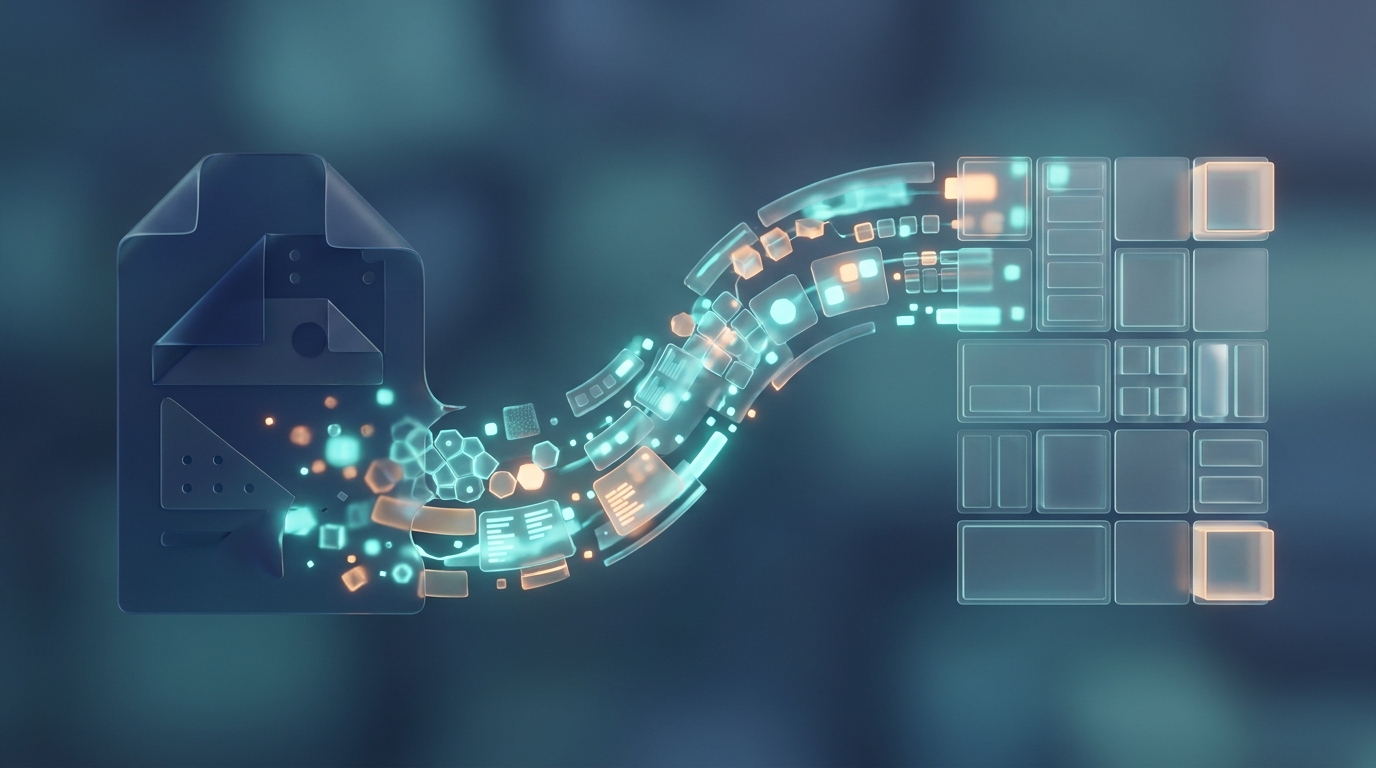
Short answer: double registration disappears when your systemsshare data automatically. When an order in the online store lands directly as an invoice in Fortnox, or a new customer in your CRM is created as a customer in Visma, no one has to enter the same information twice. It happens throughintegrationsthat use the systems' APIs. Below we explain what it means, what it solves and how to get started.
What is double registration – and why is it a problem?
Double registration is when the same information is entered manually in several systems. A customer orders in the online store, then someone enters the same order in the business system to invoice. The same data, twice, by hand.
It costs more than you think:
- Time:hours each week moving data between systems.
- Wrong:every manual entry is an opportunity to write the wrong amount, the wrong customer or the wrong article.
- Lag:accounting is never really up to date when everything is done afterwards.
What is an integration and an API?
AAPI(Application Programming Interface) is like a gap in the system where other programs are allowed to retrieve and leave data in a certain way. Think of it as a service hatch: you don't have to go into the kitchen, you order through the hatch and get what you asked for.
Aintegrationis the connector itself that uses that slot – the bridge that allows two systems to talk to each other automatically. Both Fortnox and Visma have open APIs, so they are built to connect with other tools.
What can be connected with Fortnox and Visma?
Common connectors that remove manual work:
- E-commerce → business system:orders and payments automatically become invoices and accounting entries.
- CRM → business system:new customers and business are synced so the same customer data is in one place.
- Web form → business system:a quotation request or registration creates the right record immediately.
- Warehouse and logistics:balances and deliveries are kept in sync without manual reconciliation.
- Salary and time:time reports flow into payroll and invoicing documents.
Ready-made integration or tailor-made – what should you choose?
There are two ways:
- Complete integration.For common connections (for example a well-known e-commerce platform against Fortnox) there are often ready-made modules. Fast and cheap when your needs are standard.
- Tailored integration.When you have your own systems, unusual flows or special rules, you need a built-in connection that does exactly what you want.
Rule of thumb: start by seeing if a completed integration solves 90 percent of the need. Build tailor-made only for the parts where the standard coupling is not enough - then you put the money where it does the most good.
What do you save - a calculation example
Say someone spends 4 hours a week moving orders from the online store to the business system. That's roughly 200 hours a year – a good chunk of a full working month – on a pure copy-paste job. Add in the errors that creep in and the time to correct them, and the calculation for an integration often becomes simple. It pays for itself in time that is freed up and errors that never occur.
Consider safety
When systems are connected, data – often customer data – flows between them. Then it is important to do the right thing:
- Use secure keys and never put them openly in code, but in protected environment variables.
- Give each connection only the permissions it actually needs.
- Manage personal data according to GDPR - think through which data flows where.
This is somethingZORCalways build in from the start, because an integration that leaks data does more than it helps.
How does ZORC help you connect the systems?
OnZORCwe first map where the double registration actually takes place with you, and which systems need to talk to each other. Then we choose ready-made integration where it is sufficient and build tailor-made where it is needed - against Fortnox, Visma or whatever you use - with security in place.
Do you or your employees spend time entering the same information twice? Get in touch with ZORC, and we'll look at your flows and show you where you can remove the manual work.