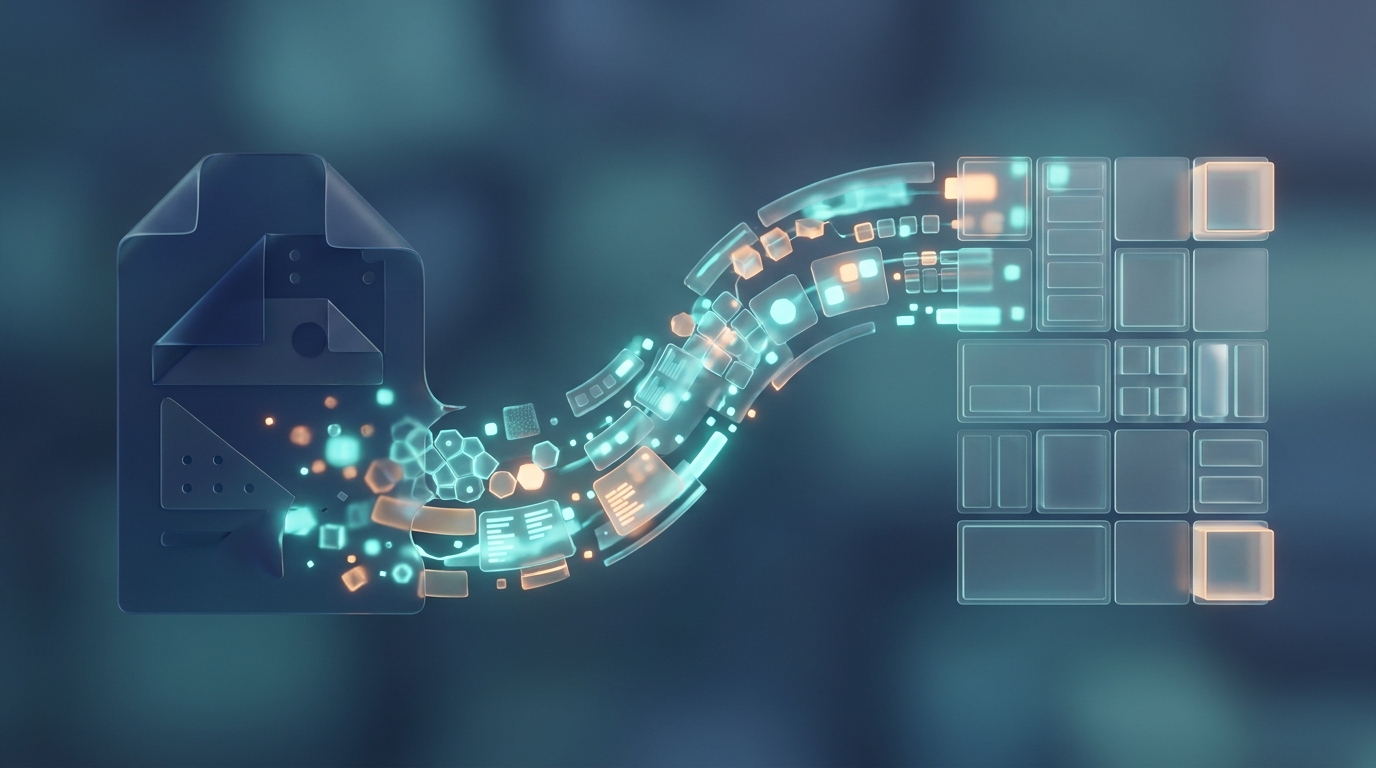
Short answer: automatic invoice interpretation uses AI to "read" an invoice and extract the correct information - supplier, amount, VAT, due date, invoice number - and enter it into your accounting or business system. Instead of someone sitting and keying in numbers by hand, the person just checks that the AI interpreted correctly. The time saving is great and the errors are fewer.
What is the problem with manual invoice processing?
Invoices come in all forms: PDF in email, paper in the mail, different layouts from different suppliers. Someone must open each invoice, read the information and enter it correctly. It takes time, and it is easy to accidentally enter the wrong number or miss a VAT. In the case of large volumes, there will be a significant cost – both in working time and in the risk of errors that must be corrected afterwards.
How does the AI "read" an invoice?
Traditional technology for reading text from images is calledOCR(Optical Character Recognition - approximately "optical character recognition"). It can convert an image of text into machine-readable text, but doesn't understandWhatthe text means.
Modern AI interpretation goes one step further. It understands the context: that a certain number is the total amount, that another is the VAT, that this line is an order item. Analogy: OCR can read out the words on an invoice like a reader, while the AI understands what the invoice actually issaysand where each task belongs. Therefore, it can also handle layouts it has not seen before.
What can be automated – and what should a human still do?
- Automatically:data entry, matching against orders, sorting and preparation for bookkeeping.
- Semi-automatic:posting can be suggested by the AI and approved by a human.
- Manually (on purpose):final approval of payments and management of discrepancies. Paying out money should always have a human control.
The point is not to remove the human from the loop, but to let the AI do the grunt work so that your staff reviews and decides instead of typing.
That's how you get started - step by step
1. Map your invoice flows
How many invoices do you handle per month? How do they get in – email, paper, portal? Where does time get stuck today? This gives you a realistic view of what is out there to win.
2. Choose the right level of ambition
You don't have to automate everything on day one. Start by letting the AI interpret and suggest, while a human reviews each invoice. As you see that the interpretation is getting right, you can gradually trust the flow more.
3. Connect to your system
The interpretation must land somewhere – your accounting or business system. It is done via aintegration(a connection between two systems). Many Swedish business systems have support for this, so it often involves connecting existing parts rather than building new ones from scratch.
4. Build in control and deviation management
What happens if the AI is unsure about an invoice? Then it should be flagged for manual review, not interpreted at random. A good flow lets the safe through automatically and highlights the unsafe for a person.
5. Measure and improve
Follow up on the percentage of invoices that are interpreted correctly and how much time you save. The more the system is used, the clearer the benefit becomes - and the better you can refine the rules.
The goal is not to blindly trust the AI, but to move your staff from keying in numbers to reviewing and deciding.
Frequently asked questions
Can the AI handle invoices in different formats?
Yes, that's exactly what modern AI interpretation is good at. Unlike older template-based solutions, which required a new template per vendor, the AI understands the content even in layouts it has not seen before. It will never be completely error-free – hence the review step.
Is it safe considering sensitive data?
Invoices contain business information that should be handled with care. You need to know where the interpretation takes place and how the data is protected - preferably within the EU. These are questions to sort out before you start, not afterwards.
How quickly do we save time?
Often immediately. Even if you initially review each invoice, you save keying time. As confidence in the flow grows, you can automate more and free up even more time.
This is how ZORC helps you further
At ZORC, we build solutions that interpret documents automatically - including invoices - and connect them to your existing systems, with built-in control and deviation management. We start by reviewing your invoice flows and suggest a level that feels safe, and then automate more as you see the results. Do you want to know how many hours you would save? Get in touch with ZORC, and we'll figure it out together.