 New
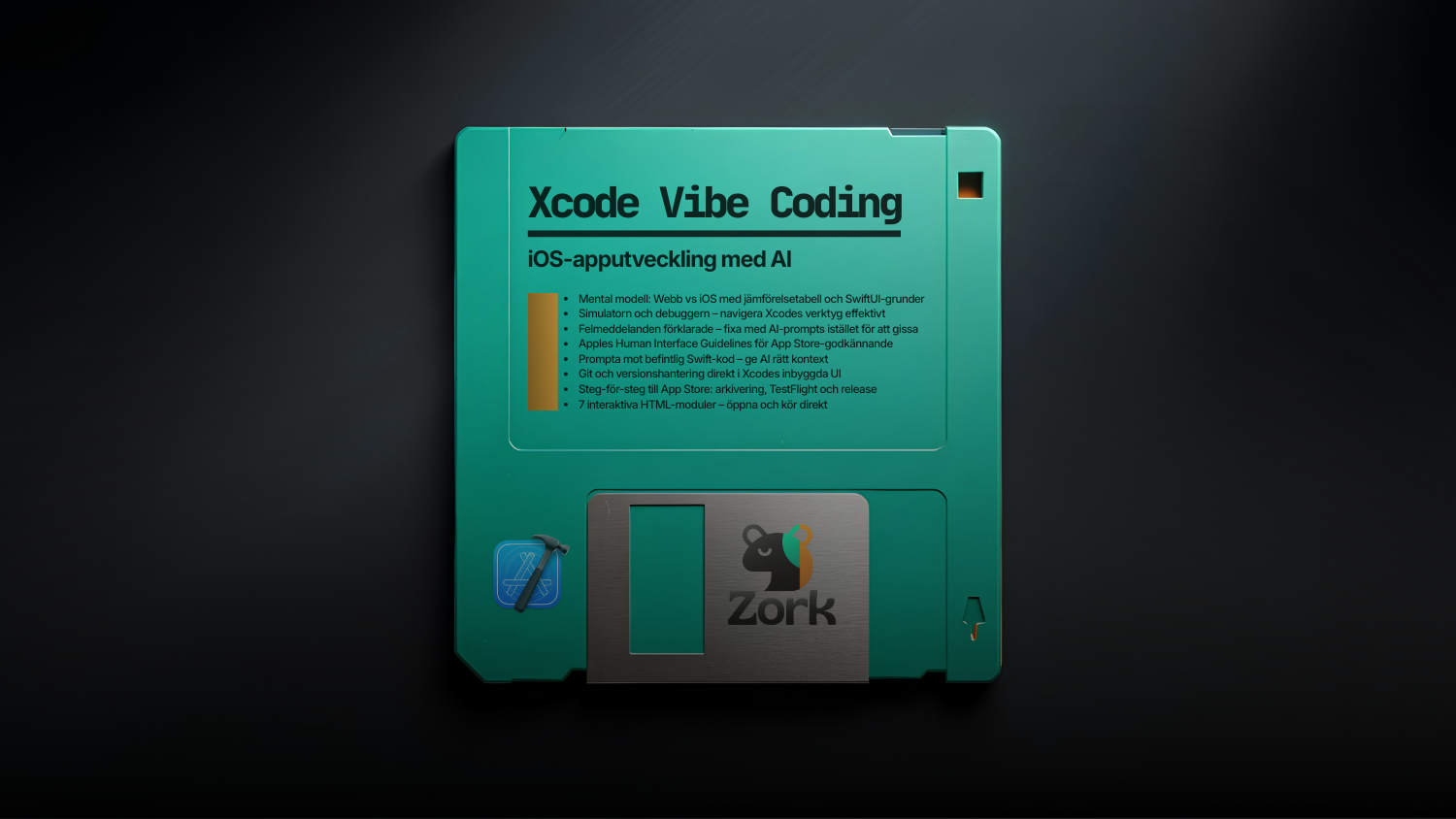
New Xcode Vibe Coding – iOS app development with AI
Seven modules from web thinking to the App Store. Learn SwiftUI, Xcode's tools, and how to program the AI correctly - so the code actually works in your iOS app.
One-time payment • VAT included
- Format
- ZIP
- Licence
- Commercial (one organisation)
- Delivery
- Instant download access
- Updated
Seller
About this product
What is this?
A complete training package in seven modules for those who want to build iOS apps with AI as co-pilot. The package teaches you to think right from day one - to make your prompts in Xcode work, not run straight into a wall.
What is included?
Module 1 - Web vs iOS: think right
The fundamental difference: no <div>, no CSS and no DOM. Instead SwiftUI Stacks, Property Wrappers and NavigationStack. With comparison table and concrete example codes.
Module 2 – The simulator & debugger
Navigate Xcode's built-in tools to test and debug—without the guesswork.
Module 3 – Error messages
Understand Swift compiler error codes and fix them with proper AI prompts instead of copying errors from Stack Overflow.
Module 4 – HIG & design
Apple's Human Interface Guidelines – the design rules that determine whether an app passes App Store review.
Module 5 – Prompt against existing code
How to give the AI the right context in Xcode projects to get code that actually fits into your existing codebase.
Module 6 – Git in Xcode
Version management with Source Control in Xcode's built-in UI - without the need for the terminal.
Module 7 – Publish to the App Store
Step-by-step from archiving and TestFlight distribution to release on the App Store.
Who is it for?
Web developers and vibe coders who want to build iOS apps without taking a classic Swift course. You can already code – you just need to change your mental model.
Technical format
Seven interactive HTML modules. Open in the browser, read and use prompts directly in Xcode.
What's included
- Mental Model: Web vs iOS with Comparison Table and SwiftUI Basics
- Simulatorn och debuggern – navigera Xcodes verktyg effektivt
- Error messages explained - fix with AI prompts instead of guessing
- Apple's Human Interface Guidelines for App Store Approval
- Prompt against existing Swift code – give AI the right context
- Git och versionshantering direkt i Xcodes inbyggda UI
- Step-by-step to the App Store: filing, TestFlight and release
- 7 interactive HTML modules - open and run instantly
Common questions
What does Xcode Vibe Coding – iOS app development with AI include?
Who is Xcode Vibe Coding – iOS app development with AI for?
How do I get access after purchase?
Can I use this product commercially?
Do I get updates?
Can I get a refund?
More products in this category
 New
New Supabase – Complete knowledge base for production apps
249 kr
 New
New Base44 SSR Kit (EN) — From invisible to indexed in 30 minutes.
599 kr
 New
New Base44 SSR Kit SWE — From invisible to indexed in 30 minutes.
599 kr
 New
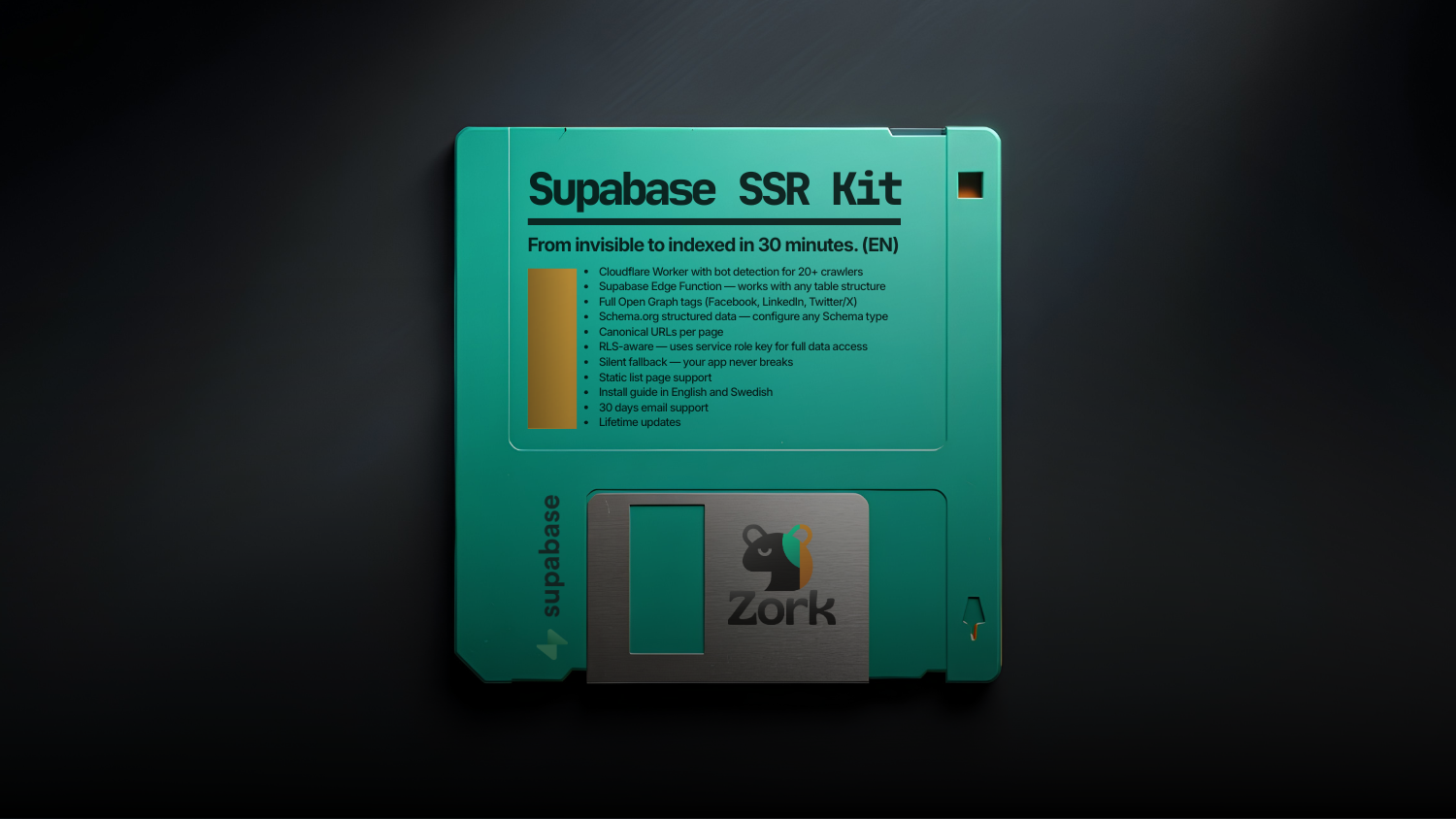
New Supabase SSR Kit (EN) — From invisible to indexed in 30 minutes.
599 kr