Tired of keeping track of one password per system?Single sign-on (SSO) allows your employees to log in once and then access all approved tools without logging in again and again.That means fewer passwords to forget, less hassle and better control over who has access to what.
What does single sign-on mean?
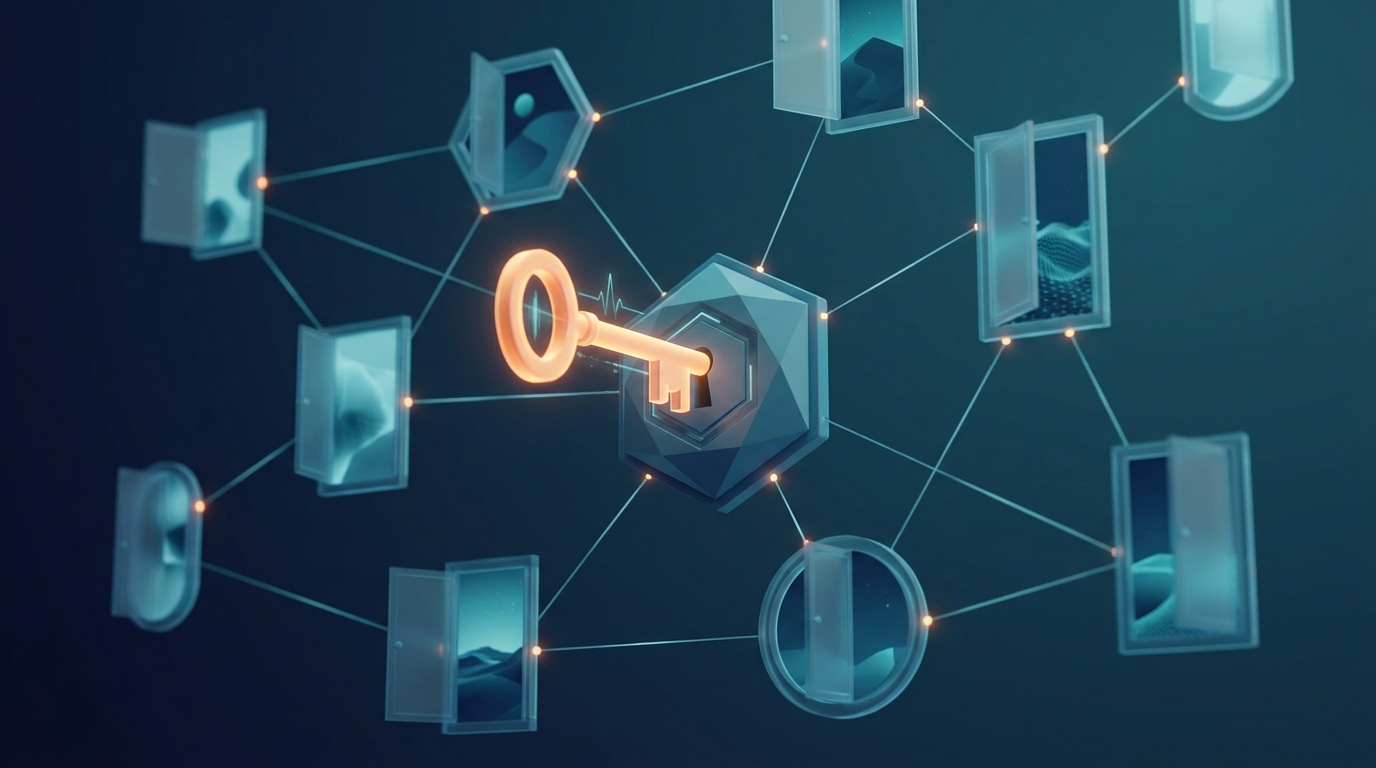
"Single sign-on" roughly means "a single login". Instead of having separate usernames and passwords for email, the financial system, the project tool and everything else, you log in at one place - and are automatically admitted to the rest. Imagine a tray that opens all the doors you have access to, instead of a bunch of keys with twenty different keys.
How does SSO work in practice?
Behind the scenes is a trusted "identity service" (in Englishidentity provider). It is the one who knows who you are. When you try to open a system, the system asks the identity service: "is this person logged in and authorized?" If the answer is yes, you will be allowed in, without having to type the password again. Common examples of such services are logging in via Microsoft or Google.
The important thing to understand is that the systemsrely onthe identity service instead of everyone managing their own passwords. This is exactly what makes SSO both smooth and secure.
Is SSO more secure than regular passwords?
Mostly yes, and for several reasons:
- Fewer passwordsmeans fewer patches on the screen and fewer reused, weak passwords.
- A place to protect well.You can put the effort into making the single login really secure, for example with two-factor authentication (an additional code in addition to the password).
- Easier to turn off.When someone quits, you close an account - and then access to everything disappears at once.
But there is a downside to be aware of: since the single login is the key to everything, it needs to be extra well protected. Therefore, SSO and two-factor go hand in glove.
What benefits does the company receive?
- Less hasslefor the employees – they log in once and get started.
- Fewer password resets, which saves time for both users and IT.
- Better overviewover who has access to what.
- Quick shutdownwhen an employee changes roles or quits.
- Easier to meet safety requirementsbecause access is controlled centrally.
Are there any downsides?
Yes, it is fair to mention them. The single login becomes a sensitive point – if someone unauthorized accesses it, they can reach a lot. Therefore, two-factor is almost a must. It also takes some work to connect the systems initially, and not all programs support SSO. For most companies, the benefits still weigh heavily, especially when the number of systems grows.
Is SSO right for small businesses?
Yes. It is often thought that SSO is something only large companies need, but even a small team today uses a variety of cloud services. Many of the tools you already have, such as Microsoft 365 or Google Workspace, can function as an identity service. This allows you to get started without a large investment.
How do we get started?
- Map the systems.Which tools do you use, and which ones support SSO?
- Select identity service.Often something you already have, like Microsoft or Google.
- Turn on two factoron the central login – that's the basis for it to be secure.
- Engage the systemsone at a time and test carefully.
- Train the teamcard so everyone understands how it works.
That's how ZORC can help you
At ZORC in Jönköping, we build apps, systems and the web, and work with security through the initiative Swedish Cyber Security. We can help you map your systems, set up single sign-on in a secure way with two factors, and ensure that access is both smooth for the employees and secure for the company. If we build an app or a system for you, we can also get the login to connect with your other tools from the start.
Do you want a single secure login instead of a pile of passwords?Get in touch with ZORC, then we will look at your situation together.