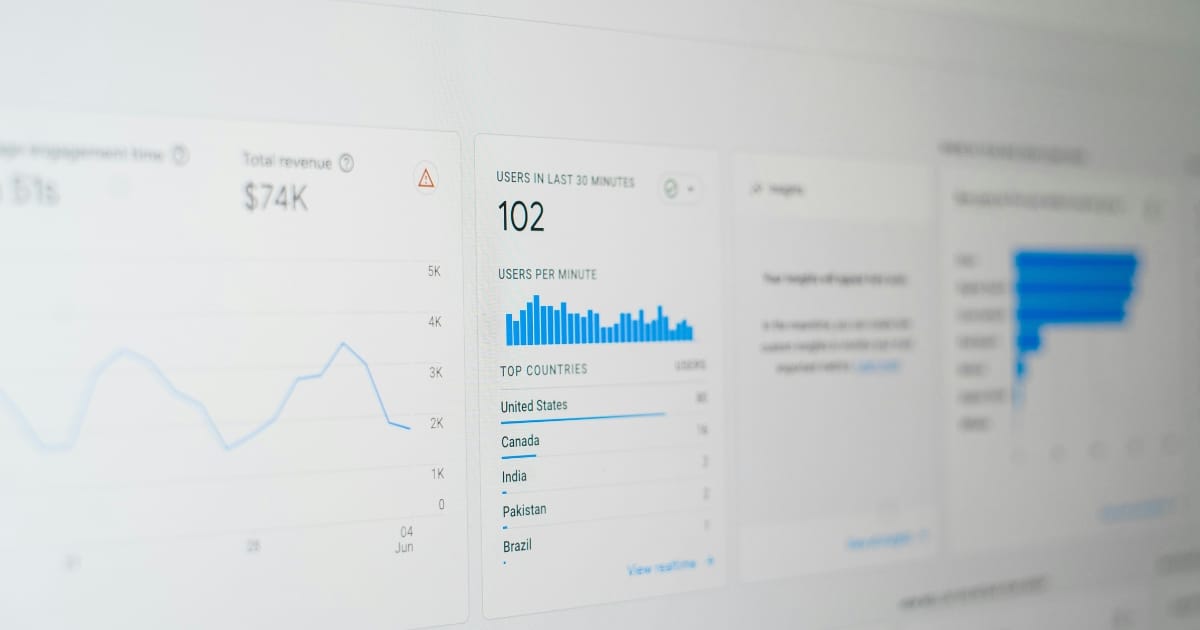
Short answer: a calculator or configurator is a small tool on the site where the visitor enters their own data and gets an answer back - a price range, a recommendation or a configuration. It creates value directly for the visitor and gives you alead(a potential customer who has shown clear interest). Precisely because the visitor has "counted on his own", the leads are often warmer than ordinary contact requests.
What is the difference between a calculator and a configurator?
They are related but do slightly different things:
- Calculator:calculates a result based on what the visitor inputs. For example, a price calculator ("how much does a website cost?"), a savings calculator or an ROI calculator that shows how much something is worth.
- Configurator:allows the visitor to build or customize something step by step - choose model, color, size, options - and see the result and the price updated live. Common for products with many variants.
Common: the visitor goes from passive reader to active participant, and gets something concrete in return. That's where the magic lies.
Why do they generate leads?
For one simple reason: they switchvalue against contact details. The visitor gets an answer he actually wants, and in exchange he is willing to leave his email or phone number to have the result sent or to move on.
But it's about more than collecting email addresses. Consider what happens:
- You catch the interest at the right moment.Those who count on price are further along in their decision-making process than those who just surf.
- You qualify the lead automatically.The information the visitor enters tells you what they need - before the first conversation has even taken place.
- You build trust.By giving an honest answer, including a price range, you show openness. It lowers the threshold to get in touch.
A visitor who has just calculated her own project is no longer curious - she is about to make a decision.
Which companies is it suitable for?
More than you think. Some examples:
- Service companywith prices that vary: a price indicator gives the visitor a hint without you having to post exact prices.
- Craftsmen and entrepreneurs:a "count on your project" calculator filters out the non-serious ones and gives you the hot requests.
- E-commerce with customizable products:a configurator where the customer builds their variant increases both commitment and purchase.
- B2B and consultants:an ROI or savings calculator shows in black and white what your solution is worth.
What makes a good calculator?
It is easy to build a tool that no one can bear to use. Here's what separates the ones that work:
- Few questions.Every extra field loses users. Ask only what is really necessary to provide an answer.
- Quick value.The visitor should receive something useful even before he submits his information. Give the result first, ask for contact later.
- Honest answers.An unrealistically low price to capture the lead only creates disappointed calls. A range ("from X to Y kroner") is often the most honest.
- Mobile friendly.Most people use the tool on their phone – it must be easy to fill in there.
- Clearly the next step.When the answer appears, it should be crystal clear how to proceed: "Do you want an exact quote? Leave your email."
How do I handle the data correctly?
Important: when you collect contact information, you processpersonal data, and then the data protection regulation appliesGDPR. In practice, this means that you should be clear about why you collect the data, only collect what you need, and talk about how it is used - preferably with a link to your privacy policy right next to the form. The Swedish Privacy Agency (IMY) has guidance for Swedish companies. Getting this right isn't just a requirement – it builds trust.
Is it worth building such a tool?
Often, yes. An interactive tool works around the clock: it answers visitors' most common questions ("how much does it cost / what suits me?"), saves time by pre-qualifying inquiries, and gives you leads that are further along in the buying journey. Compared to a regular contact form, which the visitor often skips, a tool that gives something in return leads to significantly more exits.
Three examples of tools that bring in business
It becomes clearer with concrete cases:
The roofer.A simple "calculate your roof" calculator asks about the size and material of the roof and gives a price range instantly. Those who leave their email for an accurate quote are already halfway to a deal – and the roofer doesn't have to spend time on inquiries that still lead nowhere.
The solar company.A savings calculator shows the visitor approximately how much they can save per year. Seeing a concrete figure for your own situation is far more convincing than a general text about "solar cells paying off".
The sign maker.A configurator where the customer chooses size, material and text and sees the price updated live. The customer builds his own product, feels involved, and orders more often - because he already sees exactly what he is getting.
How to get started - step by step
You don't need to build something advanced from scratch. A simple way forward:
- 1. Find the most frequently asked question.What do your customers always ask? Is it "what does it cost?" then a price calculator is given.
- 2. Decide what few tasks are neededto give a sensible answer. Resist the temptation to ask about everything.
- 3. Give the value first.Show the answer, then ask for contact details - and only if the visitor wants to continue.
- 4. Connect with your way of working.The lead should land where you actually work - in the email, in your CRM or similar - so that no request is lost.
- 5. Measure and adjust.How many people use the tool? How many submit information? Small changes to the questions can make a big difference.
How much does it cost to build?
It varies with how advanced the tool is. A simple price calculator with a few fields is a relatively small build, while an advanced configurator with many combinations, live prices and images requires more work. The important thing is to weigh the cost against what a single new finish is worth to you. If the tool brings in just a few extra deals a month, it has often paid for itself quickly - and then it continues to work for free.
This is how ZORC helps
OnZORCwe build tailor-made calculators and configurators that suit your business - fast, mobile-friendly, GDPR-safe and connected to how you actually receive leads. We help you figure out which tool would yield the most, and build it to turn visitors into warm inquiries. It is part of our service Website Interactive.
Wondering if an interactive tool would bring in more business for you?Get in touch with ZORC, and we'll look at your business and suggest a tool that works for you around the clock.