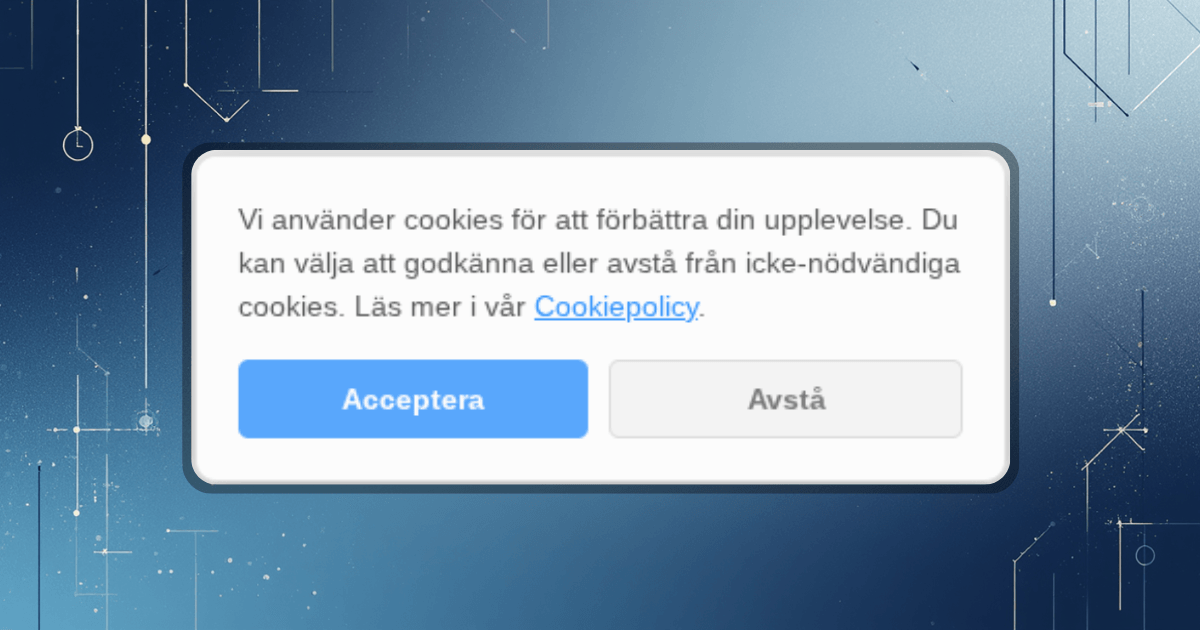
We have a firm grasp on our products, but in order to constantly be sharper, we are all encouraged to constantly learn new things and challenge ourselves. So I decided to do a little personal experiment. Could I, having never touched this particular technology before, build one of our GDPR-safe cookie banners completely from scratch on the Cloudflare Workers platform—only with an AI as a pair programmer?
My toolbox for the day:
A completely normal Chromebook(with Linux mode running).
Cloudflare Workers(for the code to load lightning fast globally).
Gemini(my AI assistant and patient code slave).
Round 1: When the computer says no
Even before I had written a single line of code, it stopped. I tried to install the code editor VS Code in the Linux terminal, and the computer threw an incomprehensible error message in my face:"Unable to correct problems, you have held broken packages".
The Zorc Hack:Instead of googling forums from 2014, I threw the error message directly into the chat with Gemini. The AI quickly noted:"Your Chromebook has a mobile processor (ARM). You are trying to download the wrong file."Two seconds later I had the right link, and we were up and running!
Round 2: Interrogation in the terminal
To start the project I typed npm create cloudflare@latest. Suddenly the terminal started bombarding me with questions:Want TypeScript? What kind of app? Shall we create oneAGENTS.md-file?
Instead of guessing, I let Gemini act as interpreter. We ended up running pure, uncomplicated JavaScript – completely in line with how we at Zorc want our code: lightweight and fast.
Round 3: I act as an angry lawyer (and design manager)
The AI quickly spit out a working code for a cookie banner. The box appeared, I clicked "Accept", and it disappeared. Success? Well. Here I got to step in and set the Zorc standard.
The law is the law:The AI's first suggestion only had an "Accept" button. I had to kindly explain to my AI assistant that it violates the GDPR.You must be able to say no just as easily!Gemini obediently updated the code with a stylish "Opt Out" button and a neat link to a cookie policy.
The design:The first banner covered half the screen (no one likes a screaming banner). I asked the AI to slim it down to a discreet, floating box in the lower right corner. Much more professional.
Round 4: Three fun (and frustrating) bugs
It's never completely painless. We encountered three classic problems that were solved on the fly:
The computer was sweating:My Chromebook ran out of memory (Out of memory) when I tried to test the code locally. The solution? We shouted"Ship it!"and ran the deploy command. The code flew up to Cloudflare's servers and we got a live link to play with right away.
The Mystery of the Missing Banner:Sure enough, the banner stopped appearing. Had I messed up the code? No, it was just extremely well built. My browser remembered my previous choice. The solution was spelled outIncognito window.
Swedish language = 🤖❓:Our beautiful letters å, ä and ö were transformed into hieroglyphs ("ä"). A classic character encoding error that Gemini quickly cleaned up by switching to HTML codes (like ä).
What did we learn?
This experiment proves why we love what we do at Zorc. AI is an absolutely fantastic tool for writing code and learning new technology at record speed. But – and it's a big but – the AI needs a captain. Without our knowledge of GDPR, user friendliness and requirements, we would have ended up with an illegal, ugly and memory-consuming popup.
With the right expertise behind the levers, however, magic can be built in an afternoon.